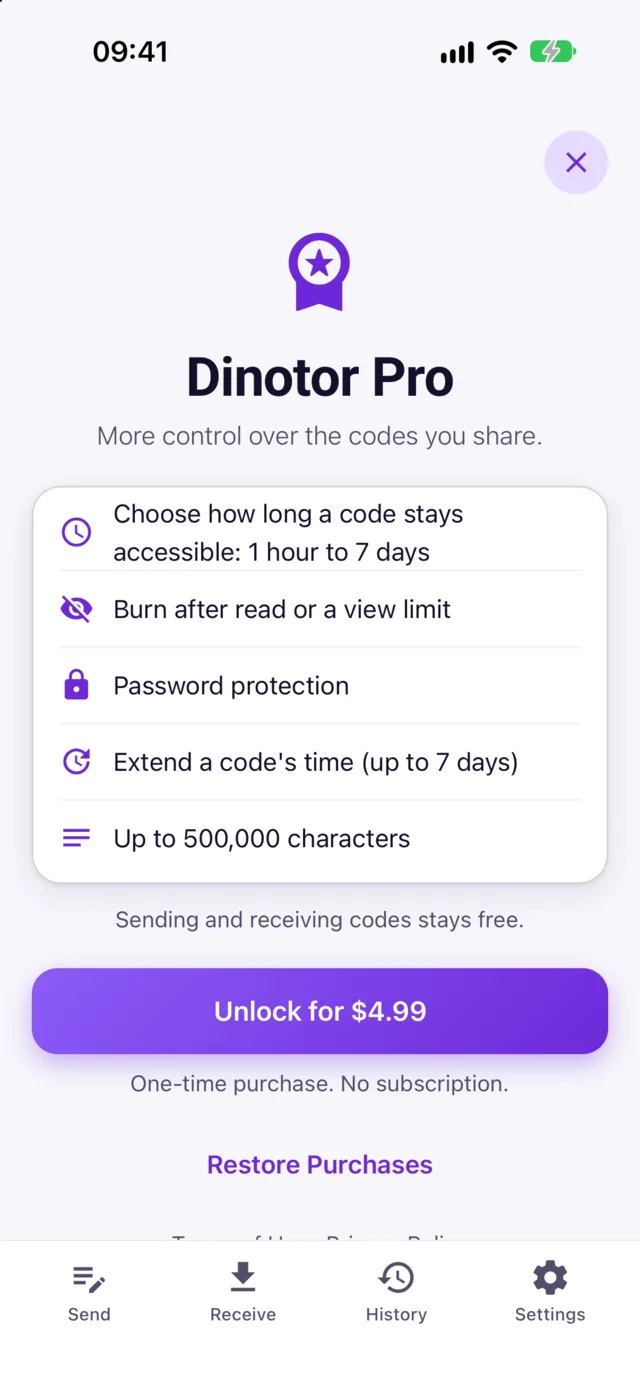

How to use the app
Send text
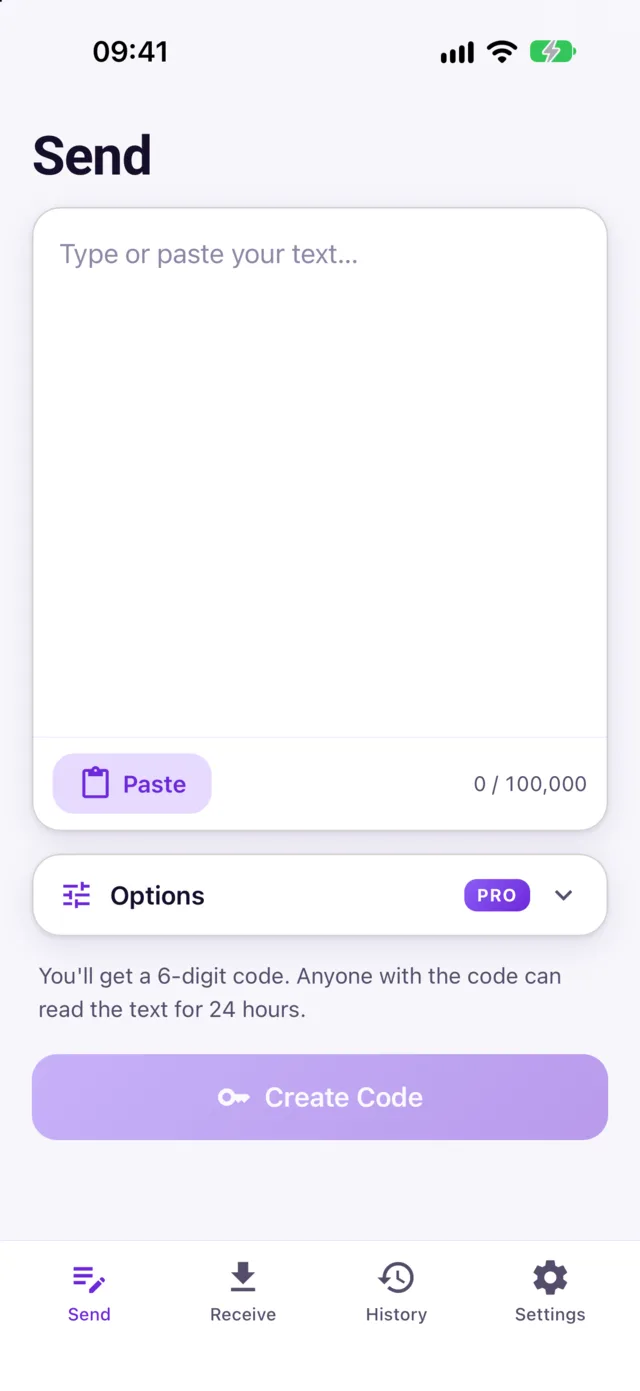
Type or paste your text and tap Create Code. You get a 6-digit code and a QR code to share by voice, message or on screen.
Receive text
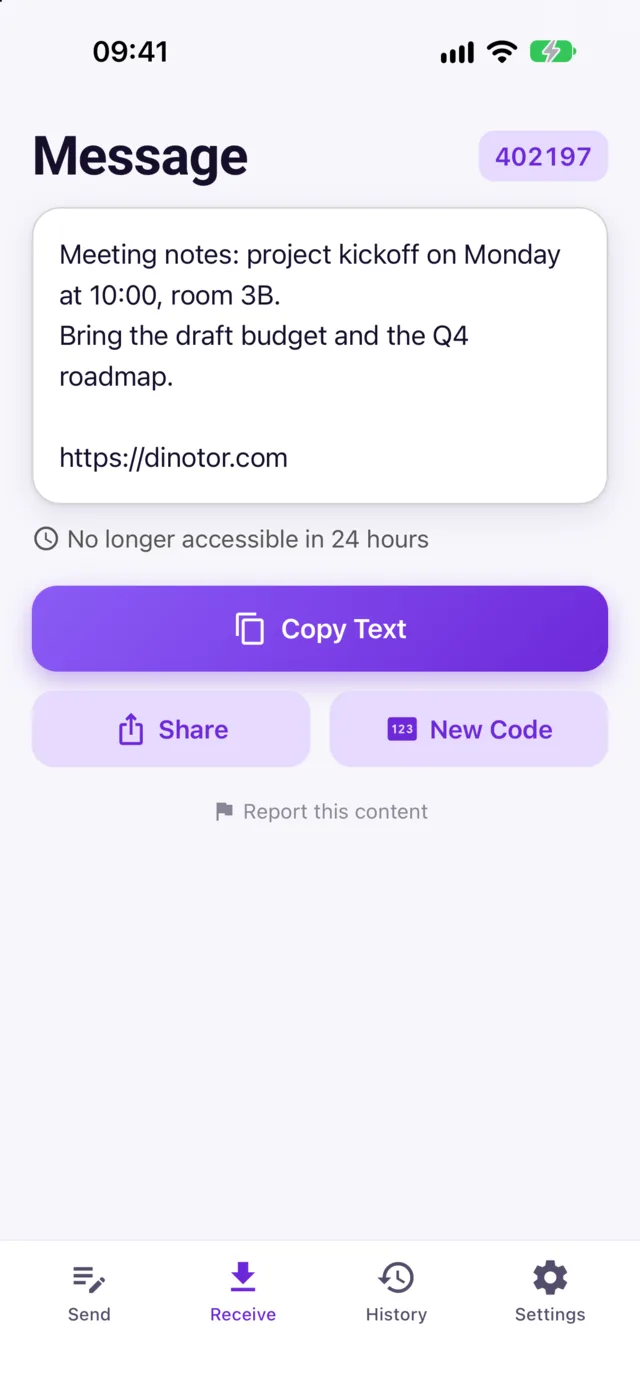
Open the Receive tab and enter the code, or tap Scan QR Code and point the camera at a Dinotor QR code. The text opens instantly, ready to copy or share.
Send from any app
Select text or a link in Safari, Notes or any other app, tap Share and choose Dinotor. You get a code without opening the app. Tip: if Dinotor isn't in the list, scroll to the end, tap More and turn it on.
History
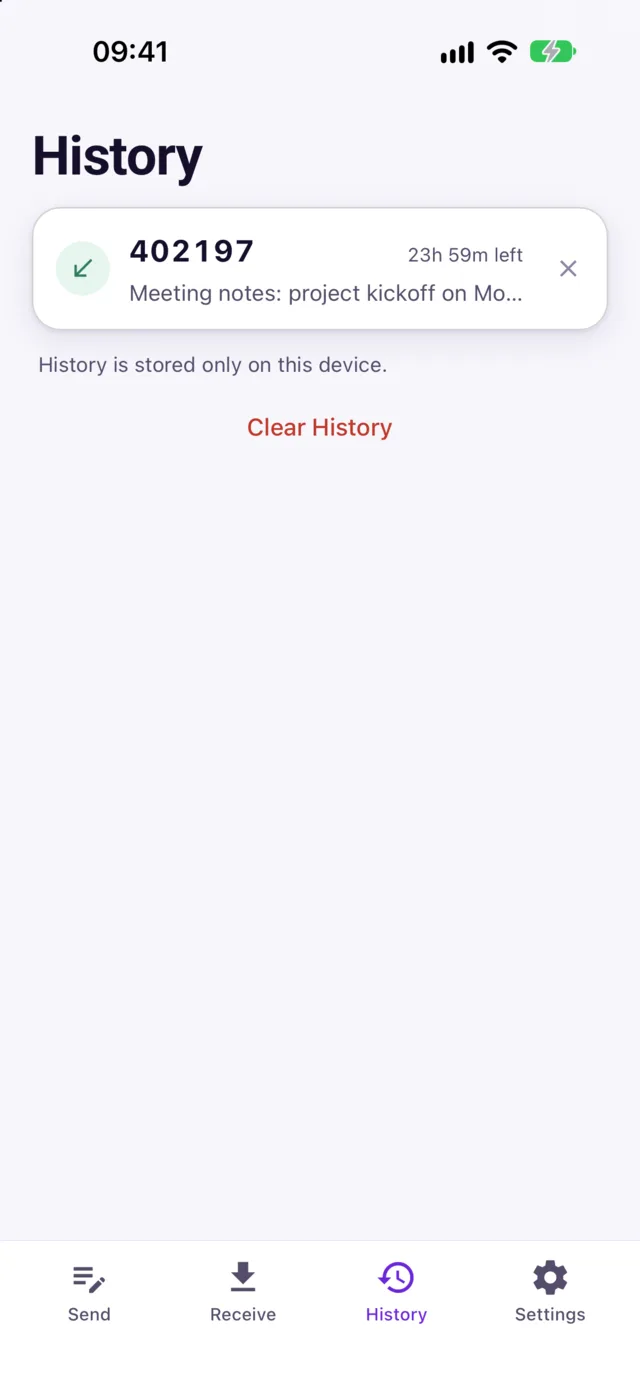
Codes you created or opened on this device, with the time left. From here you can make a code inaccessible right away, or extend it with Pro. History is stored only on your device.
Open links in the app
Tap a Dinotor link such as dinotor.com/?key=123456 in Messages or Mail and it opens directly in the app.
On Mac
Dinotor also runs on Macs with Apple silicon. Find it in the Mac App Store under iPhone & iPad apps.